
How to choose a theme for your online store
Choose a storefront theme around your products, photography, navigation, and the way customers shop.
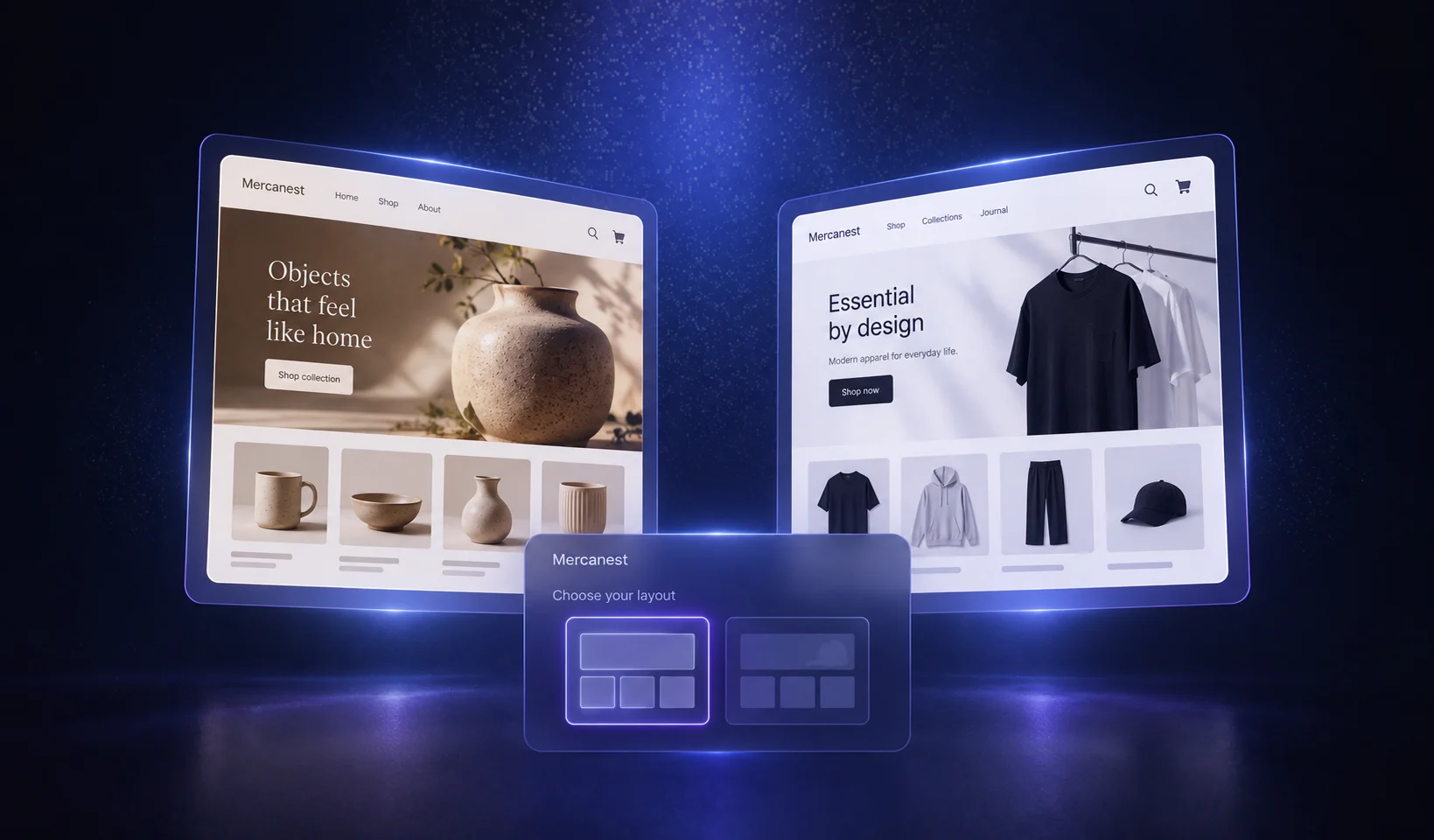

Let the catalog lead
A store with a few considered products needs a different browsing experience from a broad catalog. Look at the collection grid, menu, filtering, and product page before choosing a theme for its homepage alone.
Test your actual photography
Use representative product images and a realistic collection name in the preview. A layout that looks impressive with editorial photography may need a different crop or image style for your catalog.
Check the full buying journey
Review the homepage, collection, product details, cart, and checkout on desktop and mobile. Check how the design handles long names, unavailable products, multiple options, and policy information.
Make a few deliberate changes
Set your logo, colors, typography, and useful sections before adding decorative content. Consistency makes a store feel intentional. Keep each page focused on the next decision a shopper needs to make.